


Your next Shopify app customer might be searching for something your product already solves.
They could be asking Google how to automate a store workflow, checking whether an app supports their Shopify theme, or comparing options before installing anything.
If your documentation only explains features to existing customers, those potential buyers may never discover you.
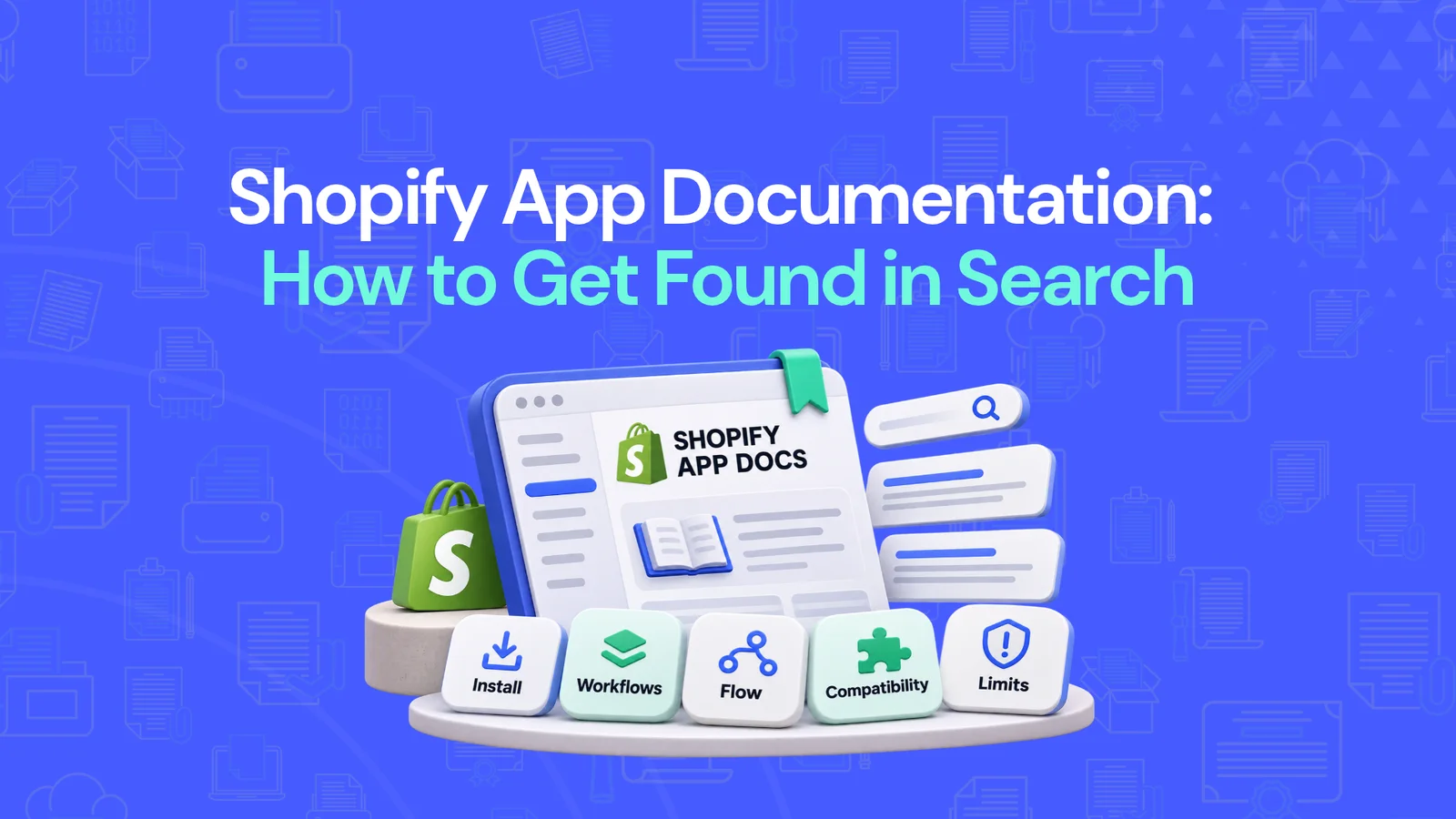
The short answer: Shopify app documentation can become an organic discovery channel when it answers the questions merchants search before choosing an app. Installation guides, merchant workflows, Shopify Flow instructions, compatibility details, and feature limitations can attract relevant visitors from search engines and help AI assistants understand what your app actually does.
Why Is Shopify App Documentation Important for SEO?
Shopify app documentation creates opportunities to reach merchants beyond the Shopify App Store.
Shopify merchants can discover apps through App Store searches, categories, and recommendations. But their research often extends to Google and other search tools.
Consider these questions:
- Can I automate customer tagging in Shopify?
- Does this app work with my current Shopify theme?
- How do I set up automatic review requests?
- Can Shopify Flow trigger an action in this app?
Each question represents a potential documentation topic.
A useful distinction matters here: Shopify App Store optimization focuses on your app listing, while documentation SEO focuses on making your product knowledge discoverable on the wider web.
Both can support acquisition, but they are different activities.
This is where documentation-led growth becomes valuable. Your help center starts serving prospective merchants alongside existing customers.
Which Shopify App Documentation Pages Can Attract Search Traffic?
The strongest opportunities come from specific merchant problems that your app can genuinely solve.
Not every documentation page needs to target a keyword. Prioritize questions that reveal a clear use case, technical requirement, or purchasing decision.
| Search opportunity | Example merchant question | Recommended documentation |
|---|---|---|
| Installation | How do I install a reviews app on Shopify? | Installation and setup guide |
| Merchant workflows | How can I automate customer tagging? | Workflow tutorial |
| Feature limitations | Can I use this feature on my current plan? | Feature requirements and limitations |
| Shopify Flow | Does this app work with Shopify Flow? | Flow compatibility and workflow guide |
| Compatibility | Will this app work with my Shopify theme? | Compatibility documentation |
| App selection | Do I need an app for this Shopify task? | Feature and product-fit guide |
These are illustrative search queries, not verified keyword-volume estimates.
Use Google Search Console, customer support conversations, sales questions, and relevant keyword research to validate demand.
The goal is not to publish hundreds of pages. It is to answer valuable questions better than the existing results.
How Should You Optimize Shopify App Installation Guides?
A good installation guide explains what merchants need, how to install the app, and how to confirm everything works.
Many guides begin with “Click Install” and end after a few screenshots. That might help an existing customer, but a prospective merchant often needs more information.
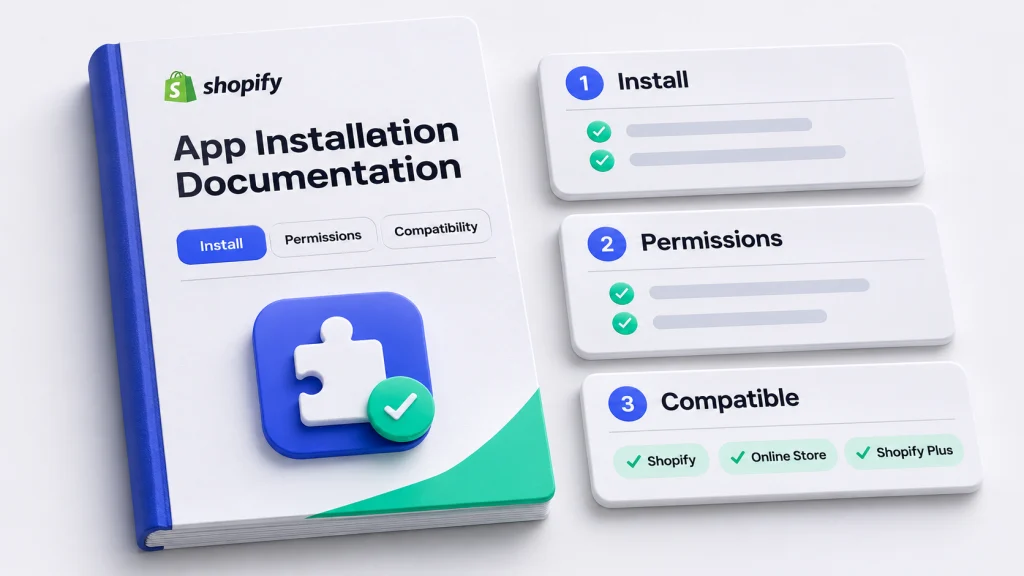
An effective installation page should cover:
- Requirements: Supported store configurations, plans, and other prerequisites.
- Permissions: What store information the app needs to access and why.
- Installation: Clear steps for installing and enabling the app.
- Verification: How merchants confirm the app works correctly.
- Troubleshooting: Common setup problems and relevant solutions.
Shopify’s official installation guidance confirms that merchants review requested data access before authorizing an installation.
Your documentation should make these requirements understandable before merchants encounter them.
Use descriptive page titles such as “How to Install [App Name] on Shopify” instead of vague titles like “Getting Started.”
How Can Merchant Workflow Guides Bring New Customers?
Workflow guides attract merchants who are searching for an outcome rather than a specific app.
Imagine a merchant searching:
“How do I automatically tag VIP customers in Shopify?”
A useful guide could explain the workflow, supported conditions, required features, setup steps, and expected results.
If your app supports that workflow, demonstrate exactly where it fits.
The page should answer three questions:
- What can the merchant accomplish?
- How does the process work?
- What does your app contribute?
Include relevant screenshots, an example using realistic store data, and links to related setup instructions.
This approach makes documentation useful even when someone has never heard of your product.
For a broader implementation approach, read How to Build a Documentation-Led Growth Strategy.
Why Should Shopify App Documentation Explain Compatibility and Limitations?
Clear compatibility and limitation information helps merchants decide whether an app fits their store before installing it.
Shopify apps can have installation requirements involving store settings, including supported currencies, shipping countries, sales channels, and business locations.
Other functionality may depend on themes, app plans, permissions, or specific Shopify capabilities.
Document these boundaries explicitly.
For example, a compatibility page might answer:
- Does the app support Online Store 2.0 themes?
- Is this feature available on every app subscription plan?
- Does the workflow require additional software?
- What happens when a store does not meet the requirements?
Only publish answers verified against your product.
Accurate limitations can be as valuable as feature descriptions. They reduce uncertainty, prevent unsuitable installations, and build confidence in your documentation.
How Can Shopify Flow Documentation Improve Discoverability?
Shopify Flow documentation can capture workflow-specific searches when your app supports verified Flow triggers or actions.
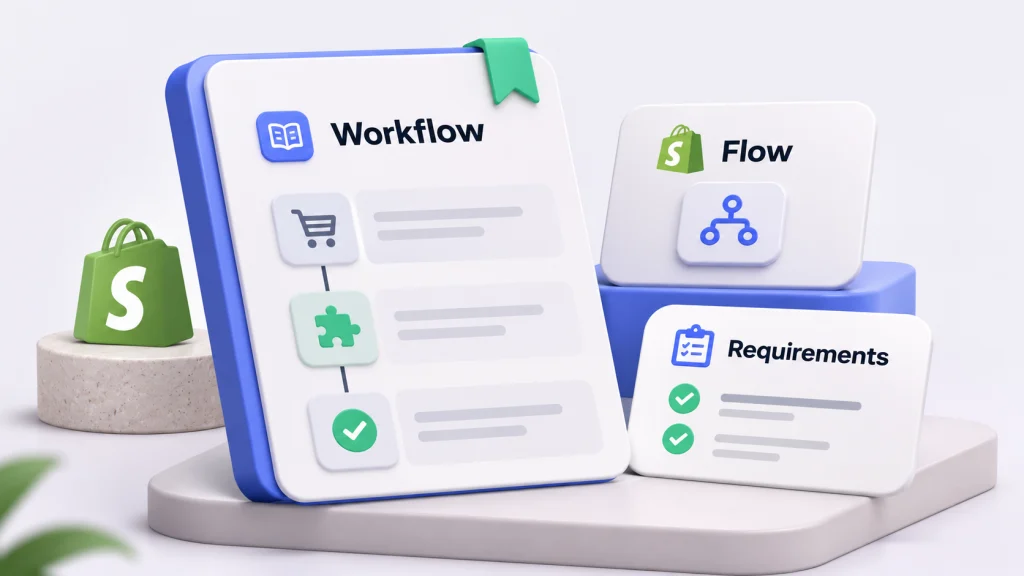
Shopify Flow lets merchants automate processes using triggers, conditions, and actions.
For compatible apps, useful documentation should explain:
- Which triggers and actions the app actually provides.
- Which apps or connectors must be installed.
- How to configure and test a workflow.
- What limitations or troubleshooting steps apply.
For example, an app that supports a verified customer-reward trigger could explain how that event starts a Flow workflow.
Use the exact supported trigger name and show the expected result.
Do not create Flow documentation simply to target keywords if your app has no supported Flow functionality.
How Can Documentation Help Merchants Choose the Right Shopify App?
Product-fit documentation helps merchants evaluate whether your app solves their specific problem.
A merchant researching an app may want to know whether Shopify already provides the feature, whether a paid app is necessary, or which requirements affect their choice.
Create helpful pages that explain:
- Who the app is designed for.
- Which merchant problems it solves.
- What Shopify can already do natively.
- Which features require additional configuration.
- When the app might not be suitable.
This content should be factual, not a disguised sales pitch.
Link to your Shopify App Store listing or product page when readers have enough information to make an informed decision.
How Do You Make Shopify App Documentation Easier for Google and AI Search to Understand?
Make each important page accessible, clearly structured, and focused on one identifiable merchant question.
Start with the foundations:
- Use descriptive titles, URLs, and headings containing natural search language.
- Answer the primary question near the beginning of each page.
- Keep important documentation publicly accessible and indexable where appropriate.
- Connect relevant feature, setup, compatibility, and troubleshooting pages through internal links.
- Use accurate product terminology, requirements, and examples.
Google’s guidance for AI search emphasizes the same SEO fundamentals, including crawlability, text accessibility, and useful internal links.
Clear product answers can also help AI systems interpret your documentation, although inclusion in responses from ChatGPT, Claude, Gemini, or other assistants is not guaranteed.
Explore our guides to documentation SEO and documentation for SEO and AI search.
How Can You Measure Whether Documentation Attracts Merchants?
Measure discovery and meaningful product actions, not documentation traffic alone.
Track these signals:
| Metric | What it tells you |
|---|---|
| Non-branded search impressions | Whether pages appear for relevant discovery queries |
| Organic documentation clicks | Whether searchers visit your guides |
| New visitor engagement | Whether prospective merchants explore the content |
| App listing or signup clicks | Whether documentation leads toward product evaluation |
| Assisted installations | Whether documentation contributes to acquisition, where tracking permits |
Use Google Search Console for search performance and your analytics platform for visitor behavior and conversions.
Review results by page and merchant intent. A guide attracting qualified evaluation traffic may be more valuable than a generic article with substantially more visits.
Where Should You Start Improving Your Shopify App Documentation?
Start with the merchant questions your existing documentation does not answer clearly.
Review your installation guides, most-used features, compatibility information, support tickets, and Shopify Flow capabilities.
Identify pages with genuine search potential, then improve their answers, structure, internal links, and next steps.
You do not need to rebuild everything at once.
At Decodability, we help software companies make their existing documentation easier to discover, understand, and use.
Explore our Shopify App Documentation SEO service, or run a free documentation audit to identify opportunities in your current help center.
Frequently Asked Questions
Can Shopify app documentation rank on Google separately from an App Store listing?
Yes. Public, indexable documentation pages can appear in Google Search independently of a Shopify App Store listing. Rankings depend on relevance, content quality, technical accessibility, and competition.
Is Shopify Search & Discovery the same as Shopify app documentation SEO?
No. Shopify Search & Discovery helps merchants customize product search and discovery within their storefronts. Shopify app documentation SEO focuses on making an app’s help content discoverable through external search engines.
Should every Shopify app have Shopify Flow documentation?
No. Create Shopify Flow guides only when your app supports relevant Flow functionality. Document verified triggers, actions, requirements, and supported workflows.
Can Shopify app documentation help AI assistants recommend an app?
Potentially. Clear, accessible documentation provides factual information about an app’s capabilities, compatibility, and limitations. AI assistants may use that information when answering relevant questions, but documentation alone does not guarantee recommendations or citations.